Perfectly Juicy Oven-Roasted Chicken Drumsticks

Last updated Apr 27, 2026


Print recipe


Jump to Recipe


Perfectly Juicy Oven-Roasted Chicken Drumsticks
 Servings: 1-2
 Total: 50M
 Prep: 5M
 Cook: 45M

5.0
Print recipe


Pinterest


Recipe Preparation
- 2 Large bone-in, skin-on chicken drumsticks (you can easily substitute with chicken thighs or leg quarters)
- 1 tbsp olive oil (To help the spices adhere and crisp the skin)
- Pink Himalayan salt (To taste)
- Freshly ground black pepper (To taste)
- 1 tsp paprika or your favorite poultry/BBQ rub (for that gorgeous reddish-brown color and smoky flavor)
Key Tool
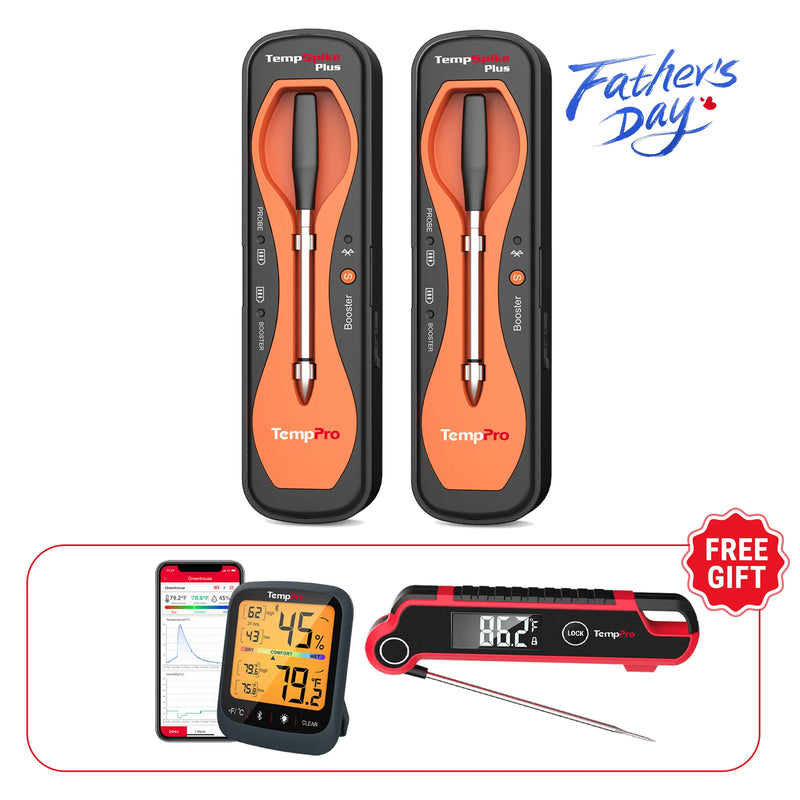
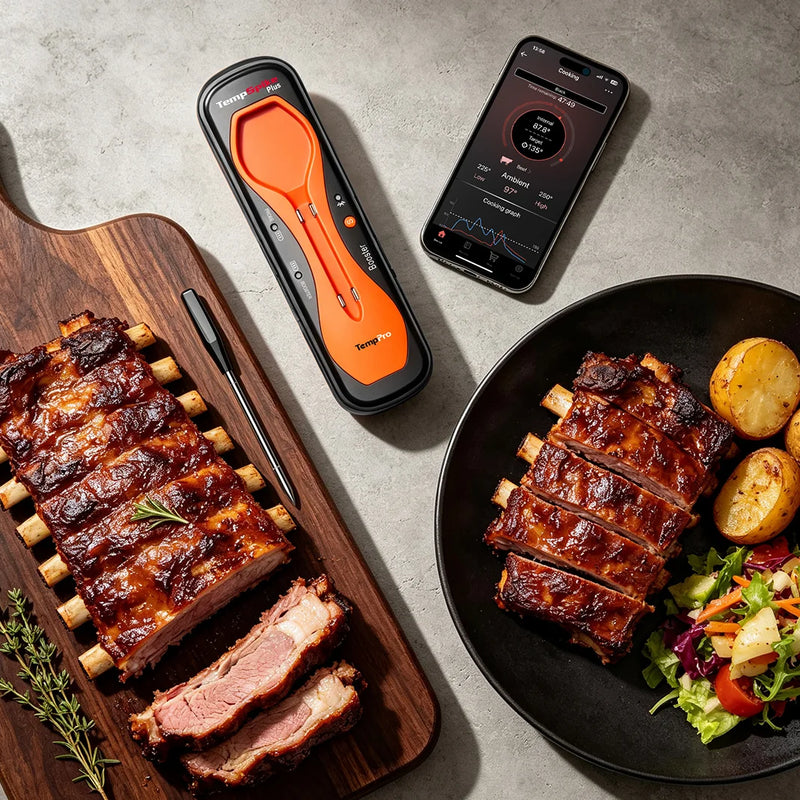
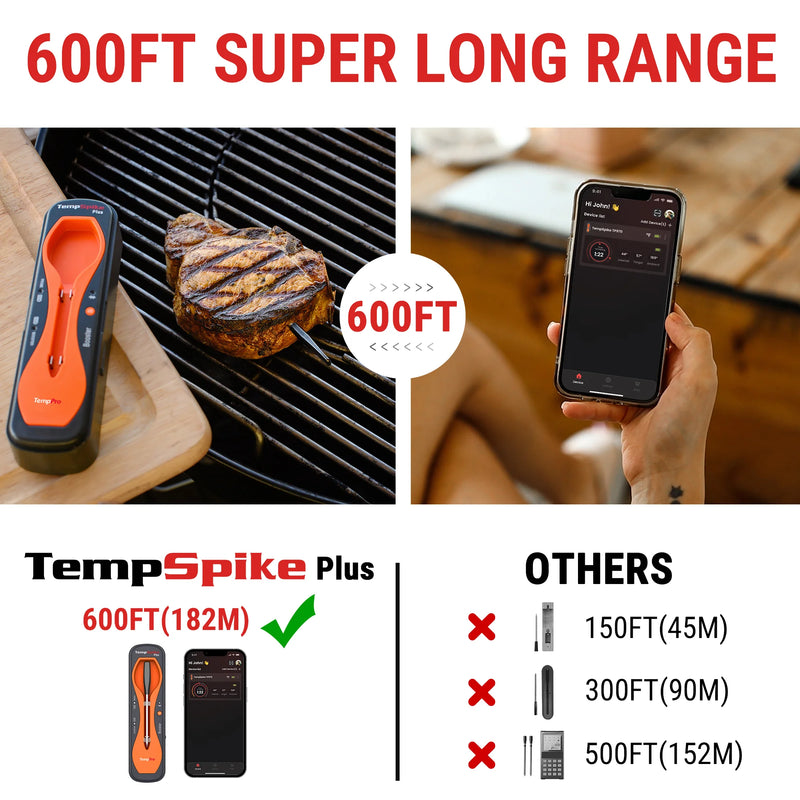
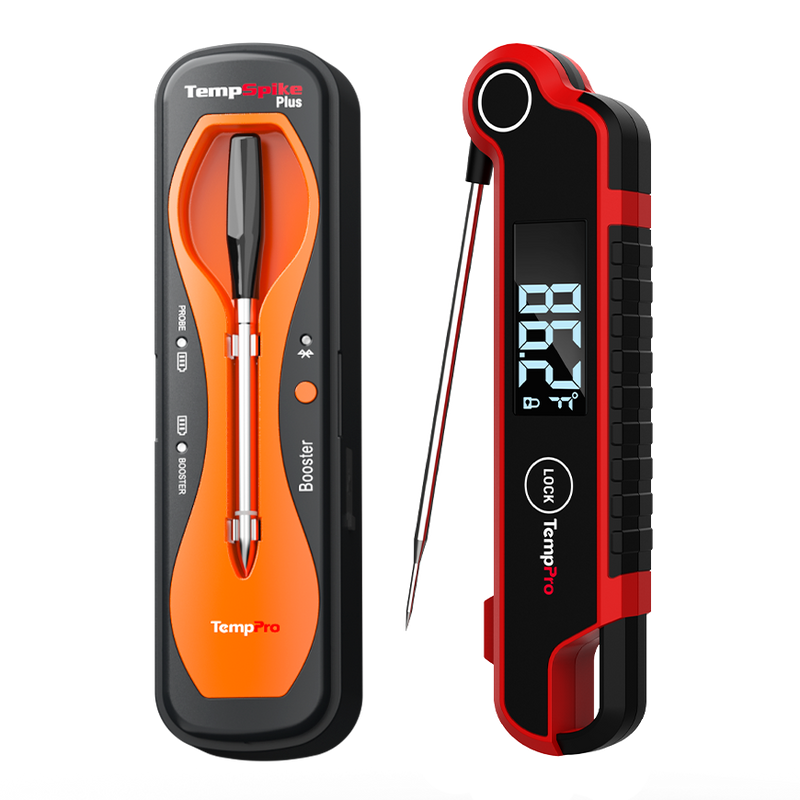
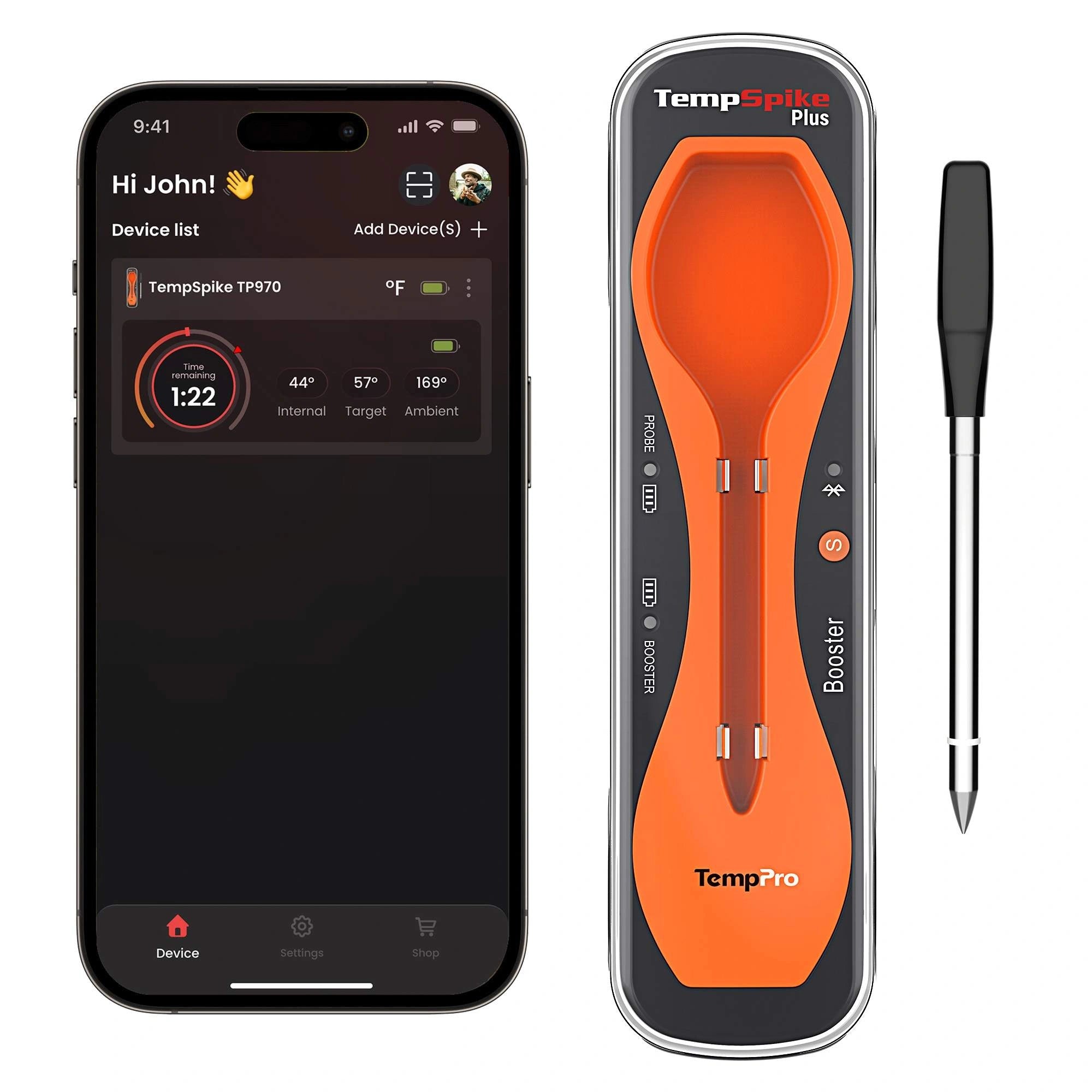
- TempPro TP970 TempSpike Plus 600-ft Wireless Meat Thermometer: The star of the show. This instant-read, wire-free thermometer pairs with your smartphone to give you real-time temperature updates.
- Baking Sheet with a Wire Rack: Elevating the chicken allows hot air to circulate, giving you crispy skin all the way around.
Recipe Instructions
1
The "Full Flavor" Marinade: Preheat your oven to 400°F. Place your chicken drumsticks into a mixing bowl. Drizzle lightly with olive oil, then generously grind your pink Himalayan salt and black pepper over the meat. Sprinkle your paprika or poultry rub evenly. Use your hands to massage the spices into the chicken, ensuring every inch is coated for maximum flavor.
2
Set Up the TempSpike Plus (Crucial Step!): To lock in tenderness and avoid overcooking, grab your TempPro TP970 TempSpike Plus 600-ft Wireless Meat Thermometer probe. Insert the probe directly into the thickest part of the drumstick.
Pro Tip: Make sure the tip of the probe is resting in the center of the meat and is NOT touching the bone, as bones heat up faster than meat and will give you an inaccurate reading.
3
Choose Your Smart Mode: Open the TempSpike app on your smartphone. Select the Poultry profile. The app makes precise temperature regulation effortless. Set your target internal temperature to 165°F (the USDA recommended safe temperature for poultry).
4
Roast to Perfection: Place the chicken on your wire rack over a baking sheet and slide it into the oven. Now, walk away! There is no need to babysit the oven. The TempSpike app will track the ambient temperature of your oven and the internal temperature of your chicken simultaneously.
5
Listen for the Alert: Once the chicken hits the target temperature, the TempSpike app will send a notification straight to your phone. Carefully pull the chicken out of the oven.
6
Rest and Serve: Remove the TempSpike Plus probe (careful, it's hot!) and let your chicken rest for about 5 minutes. This allows the juices to redistribute throughout the meat. Serve hot alongside a fresh salad, pasta, or your favorite side dish!
Why We Highly Recommend the TempSpike Plus
Cooking is so much more enjoyable when you aren't stressing about undercooked or dry meat. The TP970 TempSpike Plus is a total game-changer for this recipe because:
- It’s 100% Wireless: No more tangled cords getting caught in the oven door.
- Smart App Integration: The preset profiles (like the "Poultry" setting used in the video) mean you don't have to memorize safe cooking temps.
- Alerts: You can go prep your side dishes or relax; your phone will tell you exactly when dinner is ready.
Recipe Video


Comments
Recommended Products