TP49 vs TP55 vs TP359: Which Hygrometer Is Right for You?


 288 Comments


Indoor temperature and humidity can affect more than just how comfortable your home feels. Humidity that is too high can contribute to condensation and a damp environment, while very dry air can make your skin, nose, and throat feel uncomfortable. Keeping an eye on indoor conditions can help you make better decisions about heating, cooling, ventilation, and humidity control.
But not everyone needs the same level of monitoring.
Some people simply want to know the temperature and humidity in a room at a glance. Others want to see how much those conditions have changed throughout the day. And if you want to monitor your home while you're away, keep historical data, or receive alerts, a Bluetooth hygrometer can be much more useful.
TempPro develops many hygrometers designed for different monitoring needs. In this guide, we'll compare the TempAir CORE TP49, TempAir CORE TP55, and TempAir ELITE TP359 to help you choose the right one for your home.
Table of Contents
TP49 vs TP55 vs TP359: What’s the Difference?
| Feature | TP49 | TP55 | TP359 |
|---|---|---|---|
| Temperature | ✓ | ✓ | ✓ |
| Humidity | ✓ | ✓ | ✓ |
| High & Low Records | — | ✓ | ✓ |
| Bluetooth Connectivity | — | — | ✓ |
| Phone Monitoring | — | — | ✓ |
| Historical Data | — | — | ✓ |
| Data Export | — | — | ✓ |
| Alerts | — | — | ✓ |
| Best For | Simple monitoring | Tracking changes | Smart, remote monitoring |
The biggest difference isn't simply how many features each model has. It's how much information you want from your indoor temperature and humidity monitor.
- TempAir CORE TP49: Know your current indoor conditions.
- TempAir CORE TP55: Track how temperature and humidity change.
- TempAir ELITE TP359: Monitor conditions remotely and manage your data.
Let's take a closer look at which one makes sense for you.
TempAir CORE TP49
Best for: simple temperature and humidity monitoring
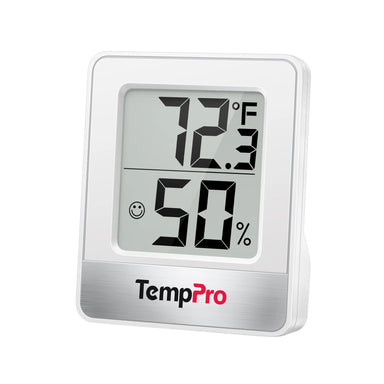
Sometimes, simple is exactly what you need. The TempPro TempAir CORE TP49 Indoor Thermometer Hygrometer is designed for people who want an easy way to check the current temperature and humidity without extra features or a complicated setup.
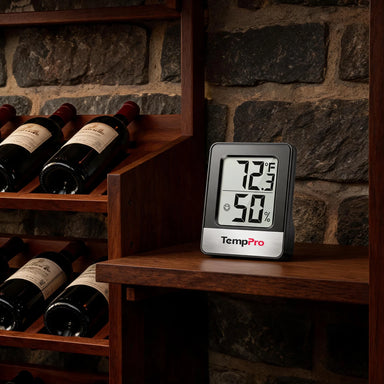
You can place it in a bedroom, living room, office, nursery, or another indoor space and quickly check the current conditions.

Who Should Choose the TempAir CORE TP49?
A basic hygrometer can actually be more convenient for everyday use when you don't need advanced features. There's no need to open an app, connect to your phone, or review charts. Just look at the display and see the current temperature and humidity.
TempAir CORE TP49 is a good choice if:
- You only need current temperature and humidity readings.
- You prefer a simple, straightforward device.
- You don't need historical temperature data.
- You don't need to monitor conditions from your phone.
- You want an affordable option for monitoring multiple rooms.
For example, if you're wondering whether your bedroom is too warm or too dry before going to bed, you don't necessarily need a smart monitoring system. A simple digital hygrometer can give you the information you need in seconds.
TempAir CORE TP55
Best for: tracking temperature and humidity changes
What if the current reading isn't enough?
For example, your room may be 72°F right now, but was it 78°F earlier today? Did the humidity increase overnight? Is the room getting more humid when the air conditioner isn't running?
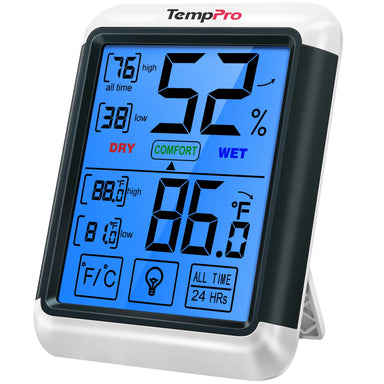
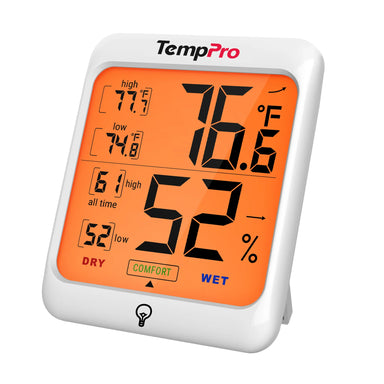
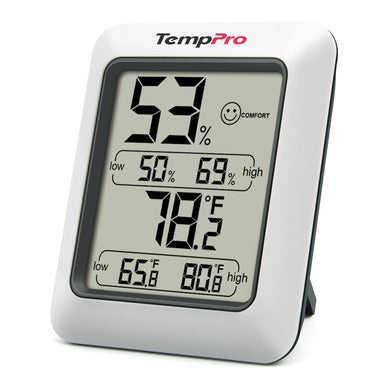
That's where the TempPro TempAir CORE TP55 Digital Indoor Thermometer & Hygrometer becomes more useful. It lets you view high and low temperature and humidity records, giving you more insight into how conditions have changed.
Temperature and humidity naturally change throughout the day.
For example:
- A bedroom may become warmer during the afternoon.
- Humidity may rise after cooking or showering.
- A room may become cooler overnight.
- Running heating or air conditioning can change indoor humidity.
- A basement may have noticeably different humidity levels from the rest of the house.
Looking at only the current reading gives you a snapshot. High and low records give you a little more context.

TempAir CORE TP55 is a good fit if:
- You want more information than a basic hygrometer provides.
- You want to see high and low records.
- You want to understand daily temperature and humidity changes.
- You prefer checking information directly on the device.
- You don't need Bluetooth or phone-based monitoring.
TempAir ELITE TP359
Best for: smart and remote temperature & humidity monitoring
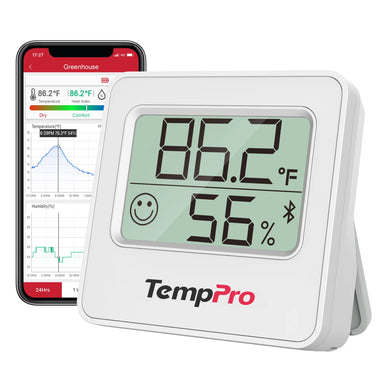
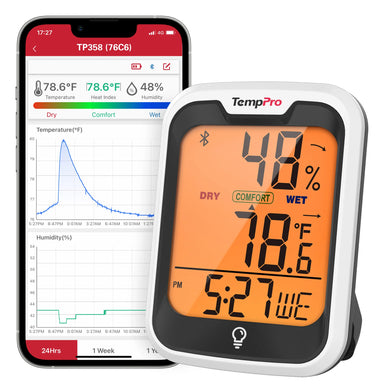
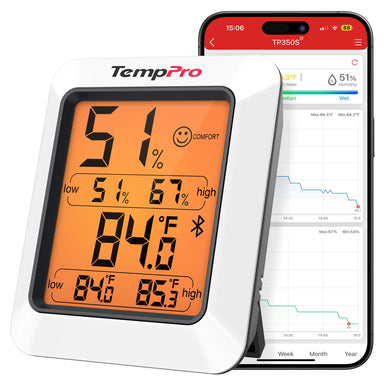
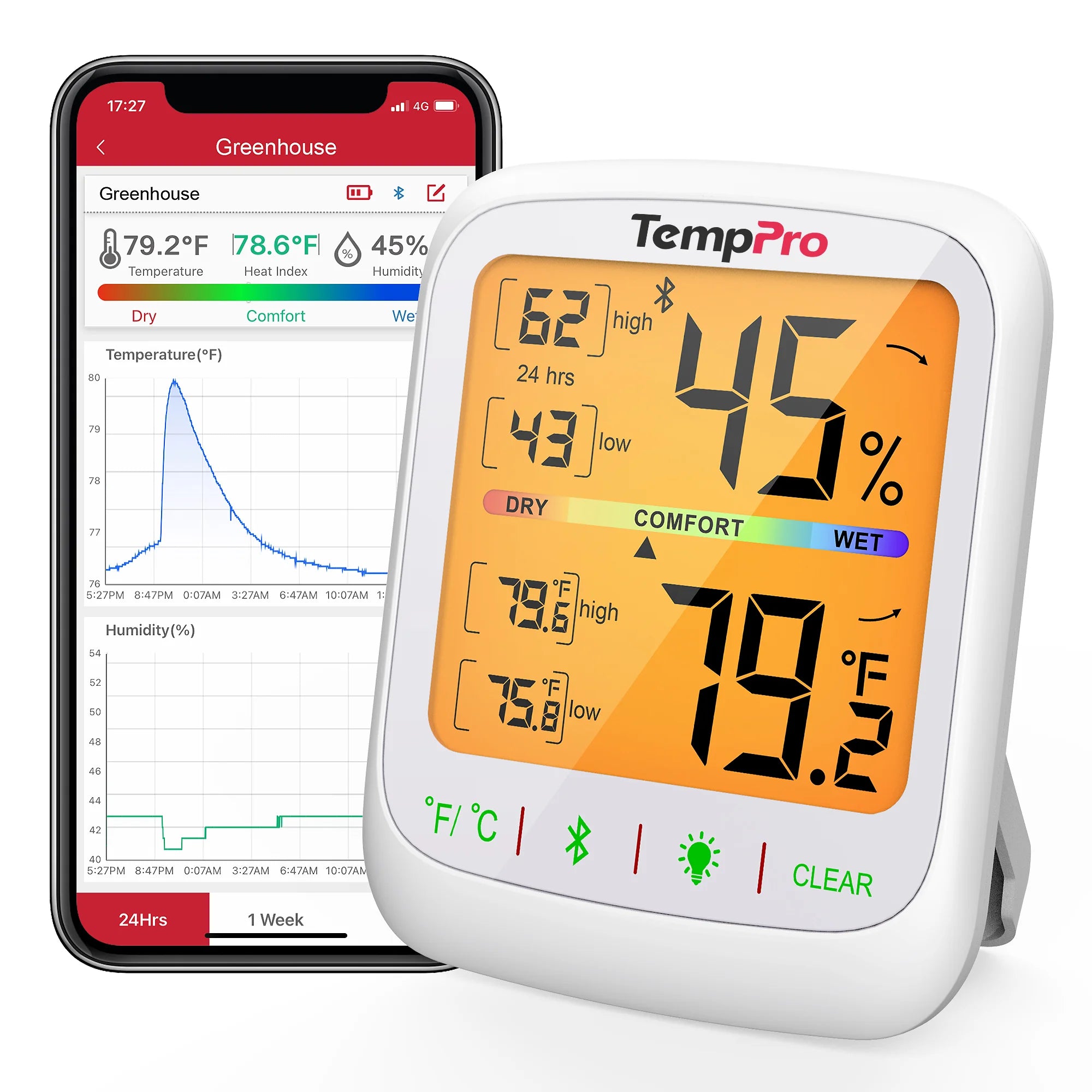
If you want to monitor indoor conditions from your phone, review historical data, export measurements, or receive alerts, the TempPro TempAir ELITE TP359 Bluetooth Indoor Hygrometer Thermometer is the more advanced option.
TempAir ELITE TP359 connects to your smartphone through Bluetooth, allowing you to monitor temperature and humidity without constantly checking the device itself. This can be useful when you're working in another room or want to keep track of conditions over time.
Instead of walking over to the hygrometer every time you want to check the readings, you can use your phone to review the information.
TempAir ELITE TP359 doesn't sacrifice the convenience of seeing high and low readings. You can use the device to monitor current conditions while also keeping track of temperature and humidity highs and lows. This makes TempAir ELITE TP359 useful for people who want both at-a-glance monitoring and more detailed information.
One of the biggest advantages of a Bluetooth hygrometer is the ability to work with your data over time. TempAir ELITE TP359 lets you review temperature and humidity history and export your data when you need it.
You could use historical data to:
- Understand your indoor temperature and humidity patterns.
- Compare conditions between different periods.
- Investigate recurring humidity changes.
- Monitor a room over a longer period.
- Keep records for a specific project or environment.
For example, if you notice that a room feels unusually humid every morning, looking at historical readings can help you determine whether that is an occasional change or a recurring pattern.

Another advantage of smart monitoring is that you don't have to constantly check your readings. TempAir ELITE TP359 supports alerts, helping you stay informed when temperature or humidity conditions reach the limits you've set. This can be especially useful when you're monitoring a space where changes matter even when you're not actively looking at the display.
Which TempPro Hygrometer Should You Buy?
Still not sure? Start with how you plan to use your hygrometer.
Choose TempAir CORE TP49 If You Want:
Simple, straightforward monitoring.
Choose TempAir CORE TP49 if you want to look at a display and immediately know the current temperature and humidity. It's a practical choice for bedrooms, living rooms, offices, and other everyday indoor spaces.
Choose TempAir CORE TP55 If You Want:
A better understanding of temperature and humidity changes.
Choose TempAir CORE TP55 if high and low records are important to you but you don't need Bluetooth connectivity or phone-based monitoring.
Choose TempAir ELITE TP359 If You Want:
Smart monitoring and more control over your data.
Choose TempAir ELITE TP359 if you want Bluetooth connectivity, phone monitoring, high and low records, historical data, data export, and alerts.
Where Can You Use These Indoor Hygrometers?
The TempAir CORE TP49, TempAir CORE TP55, and TempAir ELITE TP359 are designed for indoor temperature and humidity monitoring, so you can use them in many of the same spaces throughout your home. The difference isn't where you can use them, but how much information you want to get from your readings.
The TempAir CORE TP49 is a simple way to check the current temperature and humidity. The TempAir CORE TP55 adds high and low records, helping you understand how conditions change over time. The TempAir ELITE TP359 takes monitoring a step further with Bluetooth connectivity, remote access, historical data, data export, and alerts.
Here are some of the most useful places to use an indoor hygrometer.
Bedroom
Your bedroom is one of the most common places to monitor temperature and humidity. Indoor conditions can change overnight as outdoor temperatures shift, heating or air conditioning cycles on and off, and the number of people in the room changes.
An indoor hygrometer can help you see the conditions in your bedroom instead of relying only on how the room feels.
With TempAir CORE TP49, you can quickly check the current temperature and humidity before going to bed or when you wake up. TempAir CORE TP55 can be more useful if you want to see the highest and lowest readings and get a better idea of how conditions changed overnight. If you want to check the room from your phone or receive alerts when conditions reach a selected range, TempAir ELITE TP359 provides those additional monitoring options.
Read More: What’s the Ideal Humidity for a Bedroom

Living Room
The living room is often one of the most frequently used spaces in a home, and its temperature and humidity can change throughout the day. Sunlight coming through windows, cooking in nearby areas, heating and cooling, and changes in outdoor weather can all affect indoor conditions.
An indoor hygrometer lets you see these changes instead of guessing. TempAir CORE TP49 works well for a quick check of current conditions, while TempAir CORE TP55 lets you compare current readings with high and low records. For households that want to monitor the room remotely or keep a longer record of temperature and humidity, TempAir ELITE TP359 offers more advanced tools through Bluetooth.
Office
You spend several hours in the office each business day. Temperature and humidity can affect how comfortable the space feels, especially when you're sitting at a desk for long periods. A digital hygrometer can help you identify patterns in your workspace. For example, you may notice that the office becomes warmer in the afternoon or that humidity changes after the heating or air conditioning turns on.
TempAir CORE TP49 provides a simple way to check the current conditions while you work. TempAir CORE TP55 can help you understand the day's temperature and humidity highs and lows. With TempAir ELITE TP359, you can check readings through your phone and review historical data to better understand changes over time.
Read more: What’s the ideal humidity and temperature for an office

Nursery
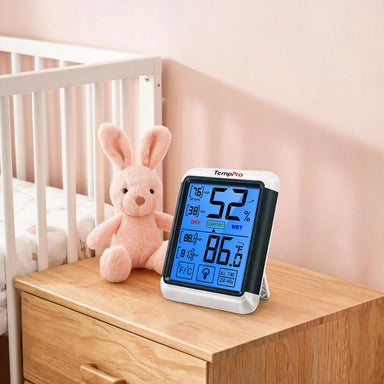
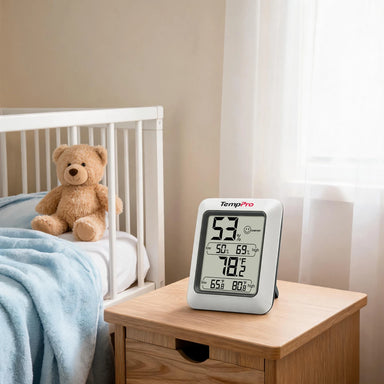
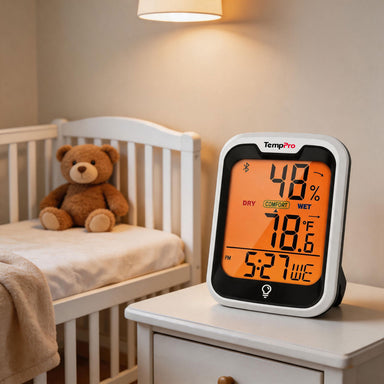
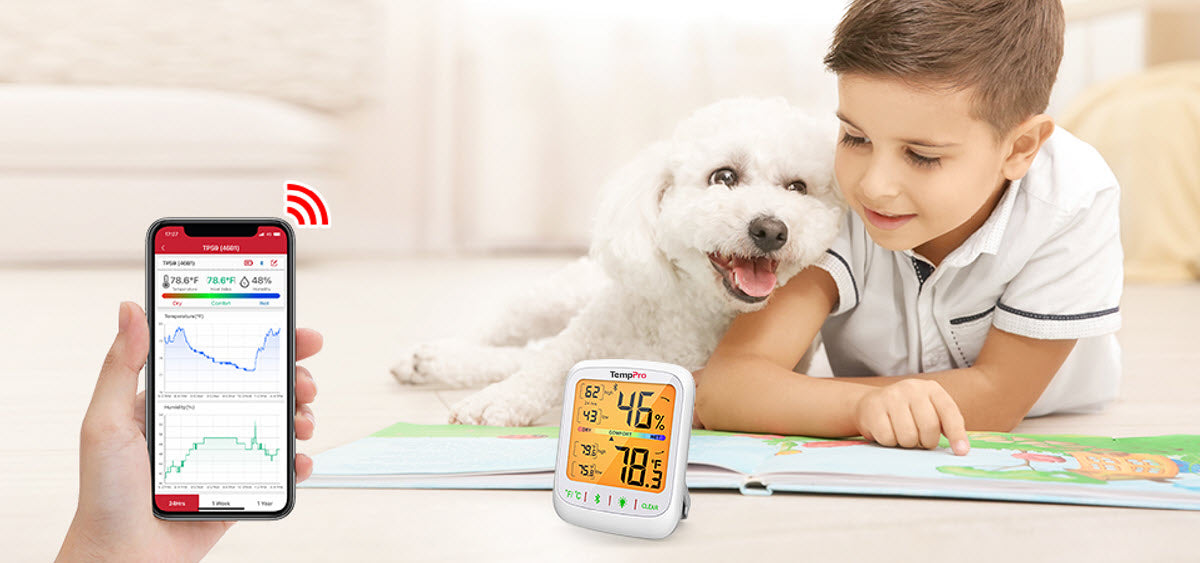
Parents may also want an easy way to monitor the temperature and humidity in a nursery or baby's room. Rather than relying on how the room feels when you walk in, a hygrometer thermometer gives you an actual temperature and humidity reading. This can be particularly useful when indoor conditions change between daytime and nighttime.
For simple monitoring, TempAir CORE TP49 provides the essential readings. TempAir CORE TP55 adds high and low records, which can help you see whether conditions have changed significantly. If you want to monitor the nursery without constantly checking the device itself, TempAir ELITE TP359 offers Bluetooth-based phone monitoring and alerts.
Read more: How to keep ideal humidity in a nursery
Basement
Basements can have noticeably different temperature and humidity conditions from the rest of the house. They may also experience greater changes depending on outdoor weather, ventilation, and how the space is used. This makes a hygrometer particularly useful for understanding what is happening in the space.
With TempAir CORE TP49, you can check the current conditions whenever you are in the basement. TempAir CORE TP55 gives you additional context by recording high and low readings. For people who want to monitor basement conditions more closely over time, TempAir ELITE TP359 can provide historical data, remote monitoring, and alerts.
Instead of checking the basement only when you happen to be there, you can use the available data to better understand how the environment changes.
Read More: What is the ideal humidity for basement
Kitchen
Cooking can temporarily change the temperature and humidity in your kitchen. Boiling water, using the oven, running the dishwasher, and other everyday activities can all affect indoor conditions. An indoor hygrometer can help you observe these changes.
TempAir CORE TP49 is useful when you simply want to check the current temperature and humidity in a kitchen. TempAir CORE TP55 can help you see the highest and lowest readings and understand how much conditions fluctuate throughout the day. TempAir ELITE TP359 is useful if you want to keep a longer record of these changes and review the data from your phone. This can be especially helpful if you are trying to understand why your kitchen feels noticeably warmer or more humid at certain times of the day.
Indoor Plant Areas
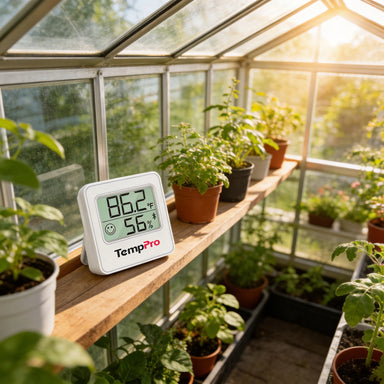
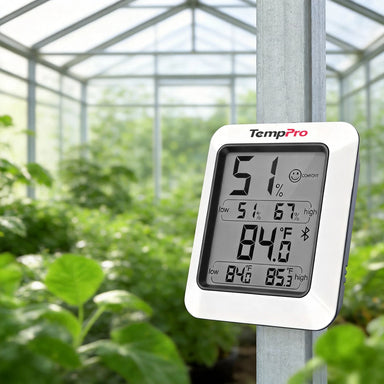
Houseplants can also be a reason to keep an eye on indoor temperature and humidity. Different plants have different environmental preferences, so knowing the conditions in your plant area can help you make more informed decisions about placement, ventilation, humidification, or other environmental adjustments.
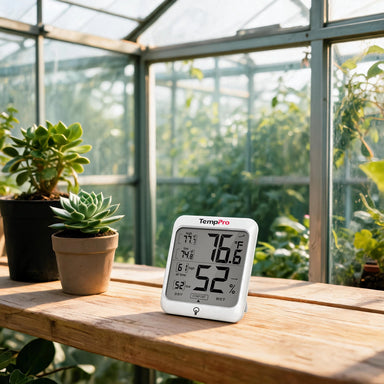
For a quick check, TempAir CORE TP49 provides the current temperature and humidity. If you want to observe daily highs and lows , TempAir CORETP55 gives you more information. For longer-term monitoring, TempAir ELITE TP359 allows you to review historical temperature and humidity data and export measurements for further analysis. The goal isn't to create a perfect environment for every plant, but to give you reliable information about the conditions your plants are actually experiencing.

Garage, Storage Room, or Other Indoor Spaces
You don't have to limit a hygrometer to the main rooms in your home. Garages, storage rooms, closets, and other enclosed spaces can also have different temperature and humidity conditions from the rest of the house.
A simple hygrometer can help you discover these differences.
TempAir CORE TP49 is a practical choice when you only need to check the current conditions. TempAir CORE TP55 is useful when you want to see how high or low the temperature and humidity have reached. If the space is somewhere you don't regularly visit, TempAir CORE TP359 can be particularly useful because you can monitor conditions remotely and receive alerts without having to check the device in person.
Whether you place your hygrometer in a bedroom, living room, basement, home office, nursery, kitchen, or other indoor space, choosing the right model comes down to your monitoring needs.
FAQs about TempPro Digital Hygrometers
What's the difference among TP49, TP55, and ELITE TP359?
- TempAir CORE TP49: is designed for simple current temperature and humidity monitoring.
- TempAir CORE TP55: adds high and low records so you can track changes.
- TempAir ELITE TP359: adds Bluetooth connectivity, phone monitoring, historical data, data export, and alerts.
Which TempPro hygrometer is best for simple home use?
TempAir CORE TP49 is a good choice if you simply want to check the current temperature and humidity without additional monitoring features.
Which TempPro hygrometer can track temperature and humidity changes?
Both TempAir CORE TP55 and TempAir ELITE TP359 provide high and low records. TempAir CORE TP55 is designed for straightforward tracking on the device, while TempAir ELITE TP359 adds Bluetooth-based monitoring and additional data features.
Can I monitor temperature and humidity from my phone?
Yes. TempAir ELITE TP359 supports Bluetooth connectivity, allowing you to monitor temperature and humidity through your phone.
Which TempPro hygrometer supports data export?
TempAir ELITE TP359 supports temperature and humidity data export, making it a better option if you want to keep or analyze your measurements over time.

Which TempPro hygrometer has alerts?
TempAir ELITE TP359 features instant alerts, allowing you to stay informed when monitored conditions reach your selected limits.
Do I need Bluetooth for a home hygrometer?
That depends. Bluetooth is useful if you want remote monitoring, historical data, data export, or alerts. If you only need current readings, TempAir CORE TP49 and TempAir CORE TP55 are good choice.
Is TP359 worth upgrading to from TP49 or TP55?
It depends on what you need. If you want to view current readings or high and low records, TempAir CORE TP49 and TempAir CORE TP55 can satisfy your need. TempAir ELITE TP359 is worth considering when you want Bluetooth monitoring, historical data, data export, and instant alerts.
Can I use these hygrometers in different rooms?
Yes. These models can be useful for monitoring indoor spaces such as bedrooms, living rooms, offices, nursery, basement, bathroom, music room, cellar and other areas where you want to keep track of temperature and humidity.
How often should I check indoor humidity?
For basic monitoring, checking your indoor humidity once or twice a day can give you a general idea of your home's conditions. If you're trying to understand daily fluctuations or recurring humidity changes, a model with high/low records or Bluetooth data tracking can provide much more useful information.
Final Thoughts
Choosing a hygrometer doesn't have to be complicated. Start by deciding how much information you actually need.
Want to keep it simple? Choose TempAir CORE TP49.
Want to see how conditions change? Choose TempAir CORE TP55.
Want remote monitoring, historical data, exports, and alerts? Choose TempAir ELITE TP359.
The right hygrometer isn't necessarily the one with the most features. It's the one that gives you the information you need in a way that fits your daily routine.

Comments

Recommended Products